Why Most QR Codes Don't Get Scanned
Generating a QR code takes ten seconds. Getting someone to actually scan it is the hard part. The gap between "we added a QR code" and "people are using it" comes down to placement, size, contrast, and — most importantly — giving people a clear reason to scan in the first place.
A QR code on a table tent with no label gets ignored. The same code with "Scan for today's specials" gets scanned dozens of times per service. The code is identical. The context is everything.
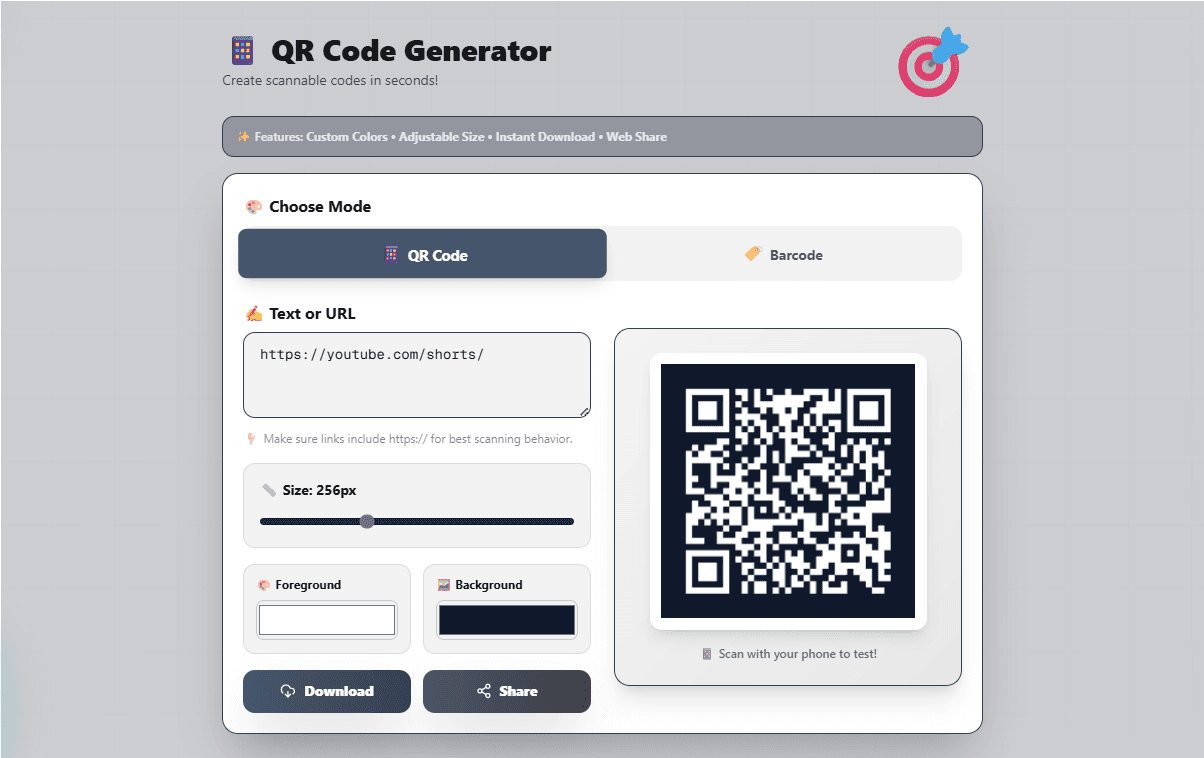
QR Code vs Barcode — Which Does Your Business Actually Need?
This is the first decision to make, and it's simpler than most people think.
- ✓You're linking to a URL or website
- ✓You need to share Wi-Fi credentials
- ✓The code will be scanned by a phone camera
- ✓You're putting it on print — menus, posters, cards
- ✓The content is long (QR handles up to ~4,000 characters)
- ✓You're labelling a physical product for retail
- ✓A standard scanner (not phone) will read it
- ✓You're working with short numeric codes or SKUs
- ✓You need compatibility with point-of-sale systems
- ✓Horizontal space is limited on a label or tag
Quick rule: If a phone camera is scanning it, use a QR code. If a handheld retail scanner is reading it, use a barcode. When in doubt, QR codes are more forgiving — they work on phones, are scannable from any angle, and handle damage better.
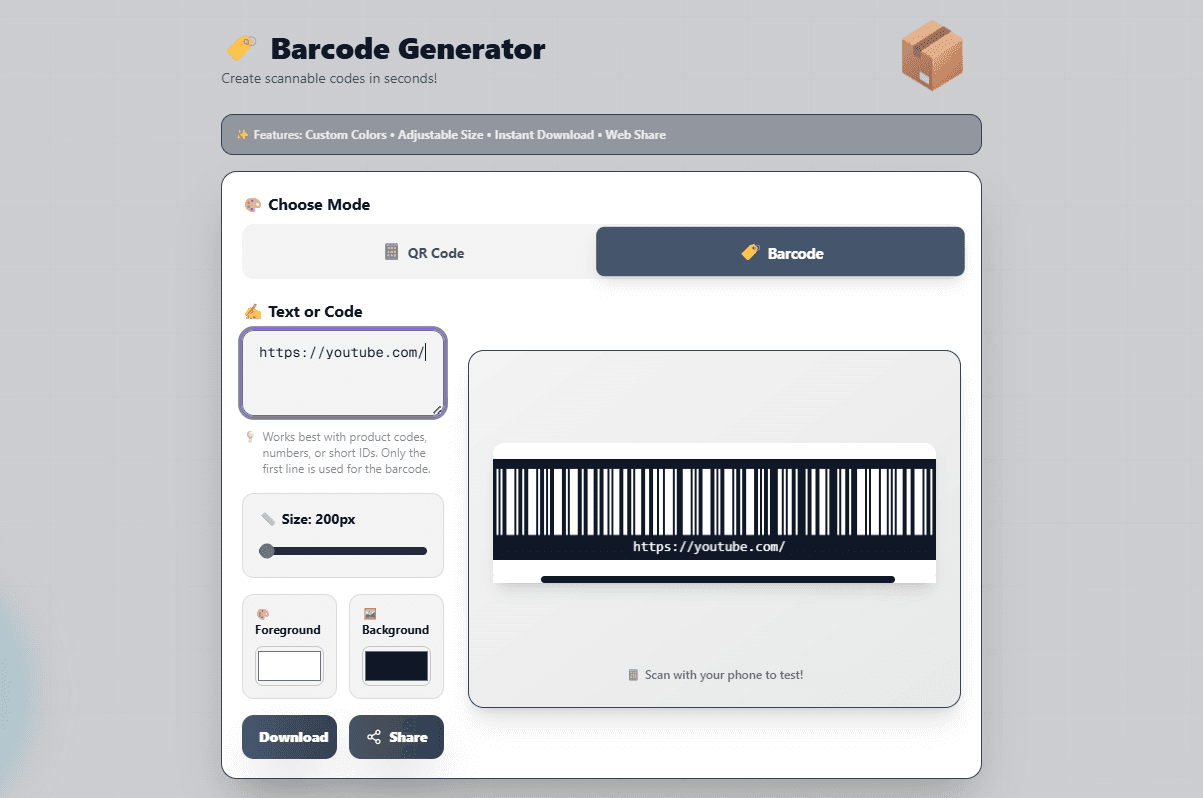
The 6 Rules That Determine Whether Your QR Code Gets Scanned
Always include a call to action
A QR code with no label is a missed opportunity. Add 3–5 words above or below the code: "Scan for the menu", "Get directions", "Claim your discount", "Watch the tutorial". People scan codes when they know what they'll get — not out of curiosity.
Size it for the scanning distance
The minimum printable size for reliable scanning is 2.5 cm × 2.5 cm (roughly 1 inch square) for codes scanned at arm's length. For posters or window displays scanned from 1–2 metres away, go to at least 8–10 cm. The FlexoTools generator lets you set resolution in pixels — for print, export at 300px or above.
Dark foreground on a light background — always
Custom colours look great but kill scan rates if the contrast is too low. Light grey on white, dark navy on dark blue, or colour combinations where the difference is subtle will fail in bright light or on glossy surfaces. Stick to high contrast: black on white is always reliable. Test every custom colour scheme with your phone before printing.
Use a short URL — not a raw long one
Every character you encode makes the QR pattern denser and harder to scan. A URL like "https://yourbusiness.com/menu-summer-2026-special-offers-page" generates a much more complex code than "https://yourbusiness.com/menu". Use a URL shortener, or create a simple redirect on your own domain. Shorter = simpler = more reliable.
Leave the quiet zone intact
QR codes require a margin of white space around all four sides — called the "quiet zone" — to scan correctly. When placing a code inside a designed flyer or label, leave at least 4 modules of white space on every edge. Cropping into this margin is one of the most common reasons printed QR codes fail.
Test on screen before you print anything
Scan the on-screen preview with your phone camera before saving the file. If it scans correctly on screen at 100% zoom, it will scan correctly when printed. This catches typos in the URL, low contrast issues, and size problems before you've spent money on printing.
Where QR Codes Work Best for Small Businesses
Placement determines scan rate more than any design decision. These are the highest-performing locations based on real-world small business use:
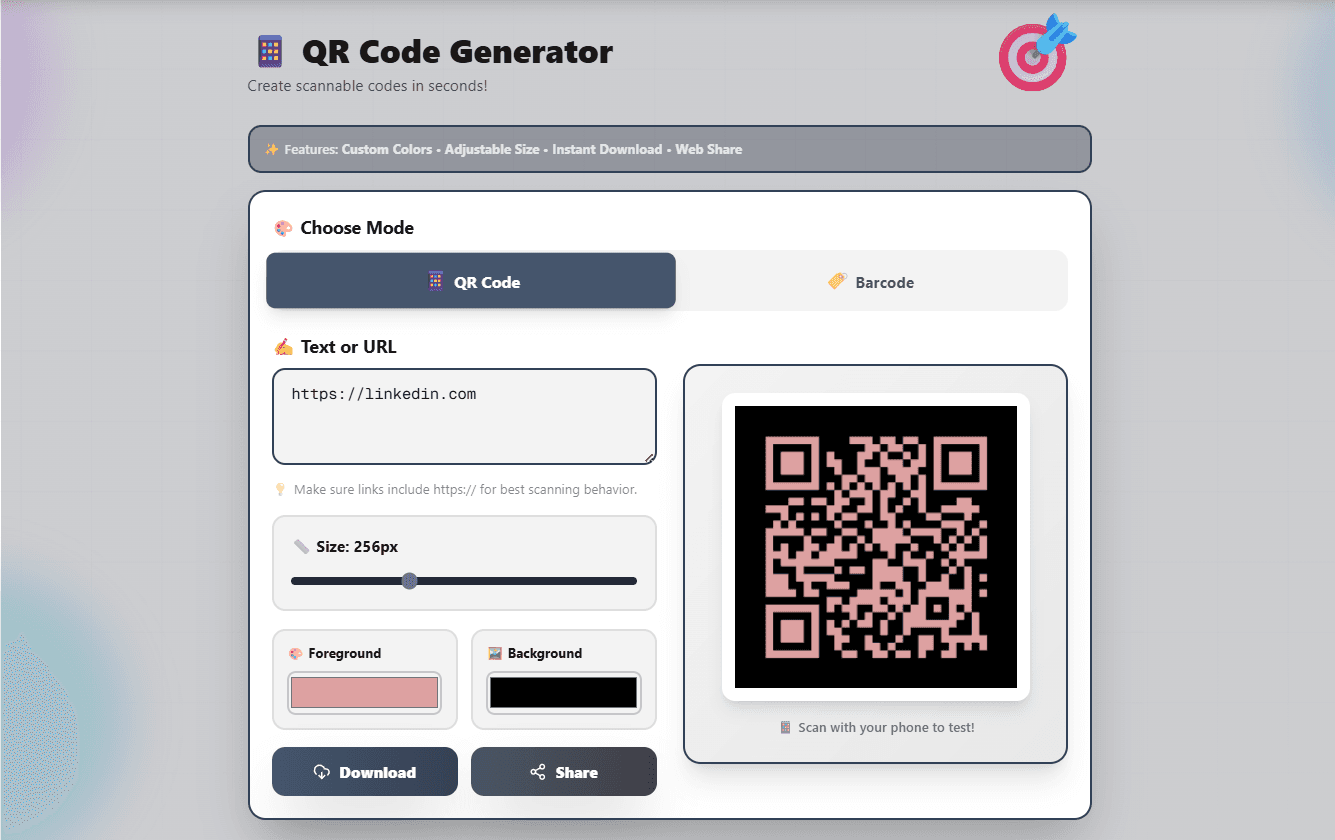
Common Mistakes That Kill QR Code Campaigns
Do You Need a Paid QR Code Service?
Paid QR services offer dynamic codes — ones where you can change the destination URL after printing without regenerating the code. This sounds useful but creates a dependency: if you stop paying, your codes stop working.
For most small businesses, a static QR code pointing to a URL you control is simpler, more reliable, and free. If your destination URL ever changes, create a redirect on your own domain. That way you own the code entirely and it never expires.
The FlexoTools generator creates static QR codes and barcodes with no account, no subscription, and no expiry. What you download is yours permanently.
Generate Your QR Code or Barcode — Free
Custom colours, adjustable size, instant download. No signup, no watermark, no expiry. Works for URLs, Wi-Fi credentials, product codes, and plain text.
📋 Open QR Code Generator